TryHackMe Writeup - CyberHeroes
Abstract
This is yet another very simple challenge, judging by the its instructions. It is basically an Insecure Direct Object Reference (IDOR) challenge.
The Challenge - Compiled
 | TryHackMe Challenge: CyberHeroes Level: Easy Time: 5 min Type: Web Requirements: - Authentication Bypass - Basic JavaScript knowledge (reading and understanding) - Web Application Pentest Resources Used: - Kali Linux (VM) - Browser & Basic Code Analysis |
|---|
The challenge instructions are as follows:
Want to be a part of the elite club of CyberHeroes? Prove your merit by finding a way to log in!The challenge also suggests another content on “Authentication Bypass”, so that could mean different things, such as SQL Injection, IDORs, Sensitive Credentials Exposure, etc to reach a bypass condition. There are endless possibilities when it comes to authentication bypass.
Walk-through
Like in every challenge, I’m using a Kali Linux virtual machine on my main PC and/or my Main PC OS directly, so it gives me more options on what to do.
Web Analysis
As the challenge tells us to go straight to the HTTP protocol, I won’t be needing to scan any ports. Let’s see what we can find when accessing it in our Browser:
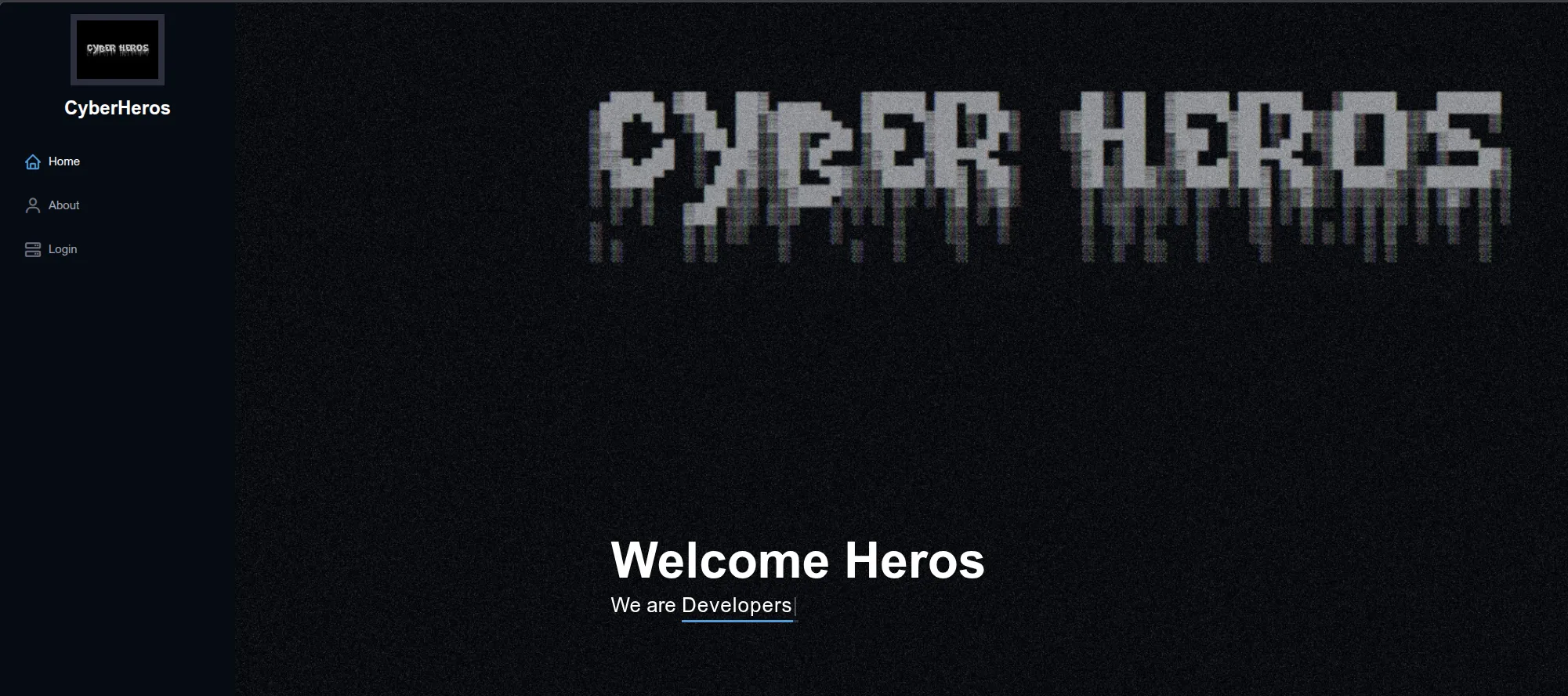
A very cool BBS ANSI style simple website, with 3 links, “Home”, “About” and “Login” (which is our end goal).
PS: I love these Old Retro computer/systems sites, as you probably already noticed (LOL).
Clicking the login link, it offers us a simple form-based authentication page with a username and a password field.
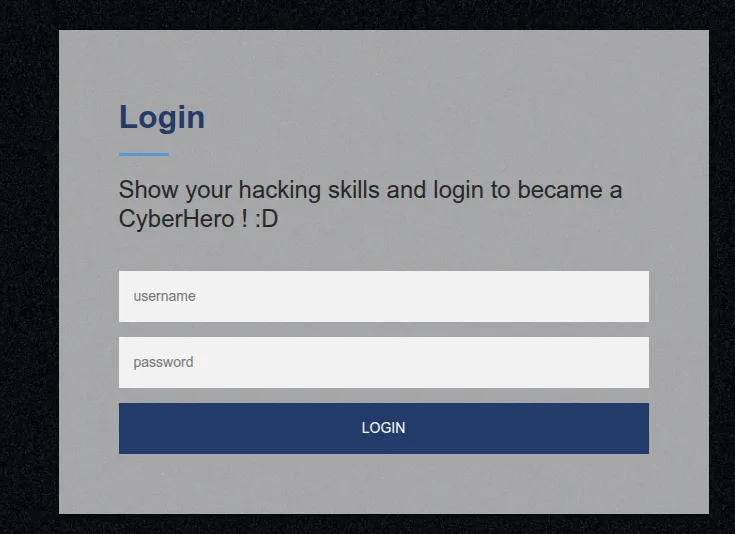
Trying to login with any invalid username/password pair, gives us the following error message:
Incorrect Password, try again.. you got this hacker !When analysing the authentication page code with CTRL+U in our browser, around the end of it we have this:
... snip ...

  <script>
    function authenticate() {
      a = document.getElementById('uname')
      b = document.getElementById('pass')
      const RevereString = str => [...str].reverse().join('');
      if (a.value=="REDACTED_USER" & b.value==RevereString("REDACTED_PASS")) {
        var xhttp = new XMLHttpRequest();
        xhttp.onreadystatechange = function() {
          if (this.readyState == 4 && this.status == 200) {
            document.getElementById("flag").innerHTML = this.responseText ;
            document.getElementById("todel").innerHTML = "";
            document.getElementById("rm").remove() ;
          }
        };
        xhttp.open("GET", "RandomLo0o0o0o0o0o0o0o0o0o0gpath12345_Flag_"+a.value+"_"+b.value+".txt", true);
        xhttp.send();
      }
      else {
        alert("Incorrect Password, try again.. you got this hacker !")
      }
    }
  </script>

... snip ...
Notice that this JavaScript code snippet is very clearly what is being used in the authentication. Here is the breakdown of its functions:
- It creates a function called “authenticate()”
- It creates two variables “a” and “b”, attributing respectively the username and password values provided by the end user.
- A constant that all it does is to reverse a given string
- Than it has an IF conditional statement that expects the Username and Password (in reverse order) to be used by the user.
So now it becomes clear that we need to provide the username as it shows up in the code, but the password in reverse.
In this case for our redacted text, the password string would change from “REDACTED_PASS” to “SSAP_DETCADER”
Once provided with the user and the reverse order password, voilá, we have our flag:
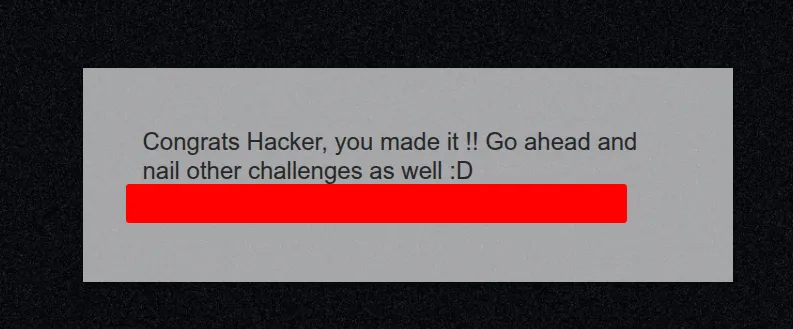
Remember that these challenges are considered very very easy, in this case it required a bit of JavaScript language reading.